Connect creght: cloud and phone
Connect creght to keep data in the cloud, open your back office on a phone, and have your computer do the work.
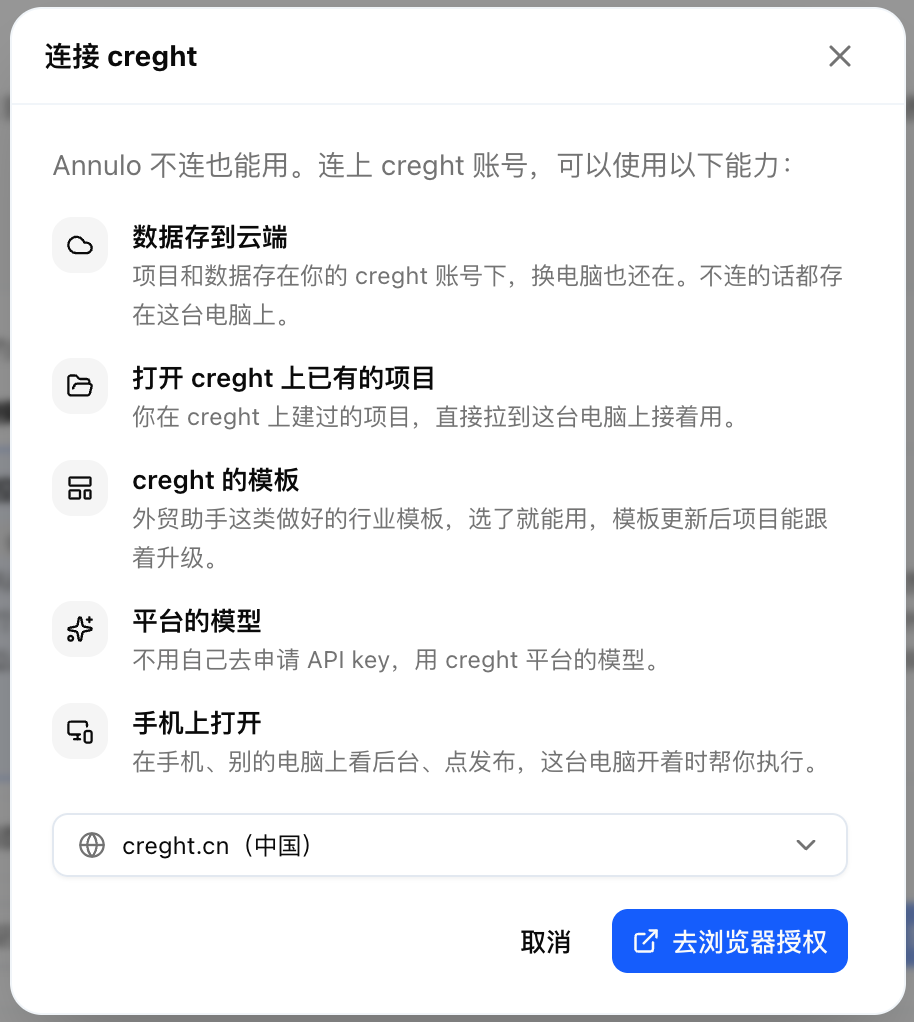
Annulo works fully without creght. Connecting adds:
- projects and data in the cloud, on any computer;
- your existing creght projects;
- creght templates, like the Export assistant;
- platform models, no API key of your own;
- your back office on a phone or another computer.
To connect: "Connect creght" at the bottom of the "Choose a project" page, or Settings → Connections, then sign in and approve in your browser. creght.cn and creght.com have separate accounts and projects; switch in Settings → creght region.
- Offline projects: pages, data and uploaded files stay on this computer;
- Online projects: data lives in your creght account.
An offline project can be converted in Settings → Projects → "Convert to online": it creates a new project in your creght account and moves the pages, all data and uploaded files; chat history stays on this computer. It can't be converted back.
Settings → Remote access: each online project has its own address. Scan the QR code or open it in a browser and sign in with the same creght account.
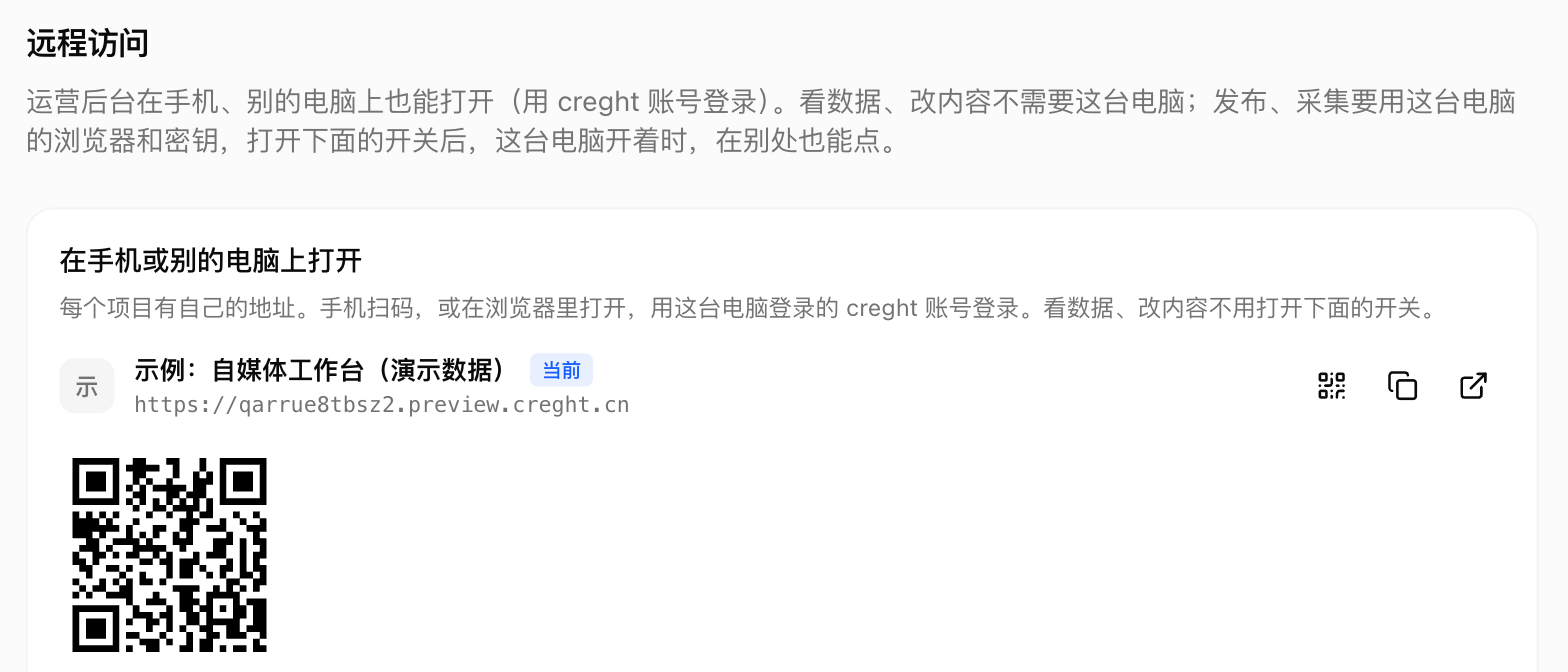
- Viewing data and editing content works right away, even with the computer off;
- Buttons that need the computer, like "Publish" or "Collect now": turn on "Allow remote use of this computer" and they run on this computer, with its browser sessions and keys. Annulo must be open;
- The assistant: view chats, send messages and run tasks, handled by the assistant in the project open on your computer.

Only the project owner can call the computer remotely, and only functions the project declares.